

Custom surveys
Flexible surveys tailored to your needs - collect the right insights at the right time.
What are custom surveys?
Create your own questionnaires and surveys
Custom surveys give you full control over what you want to measure and when. Create surveys tailored to your needs, whether for preboarding, onboarding, offboarding or to evaluate specific interventions.
SimplyPulse offers the flexibility to choose whether the survey is anonymous or not. If the survey is not anonymous, you will be able to see and analyze individual responses to understand the feedback in depth.
You can also choose whether the survey should be 'open' or sent out at a specific time. Open surveys are automatically sent to new employees who belong to the segment, while a one-time survey can be time-limited or focused on a specific group. SimplyPulse makes it easy to manage all these settings and gives you powerful tools to gather insights that drive improvements in your organization.
Examples of custom surveys
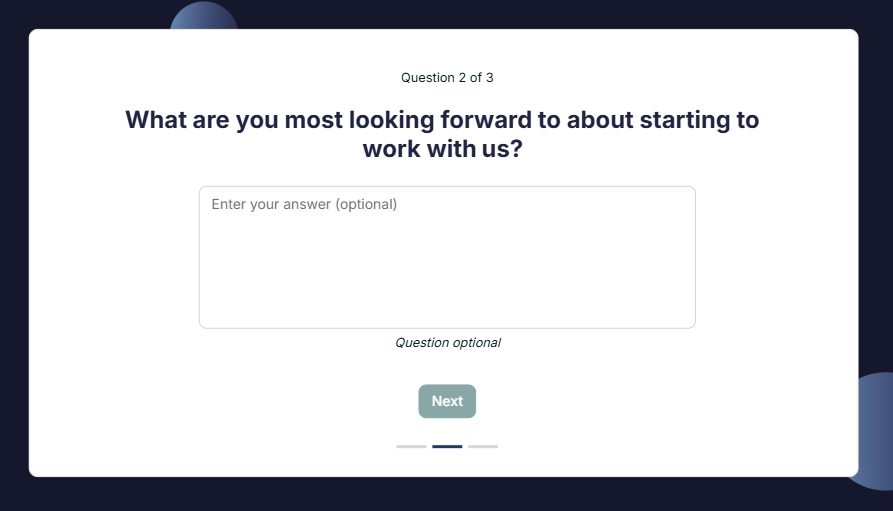
Preboarding
Prepare your new recruits with a pre-boarding survey to help you create a smooth and positive start.
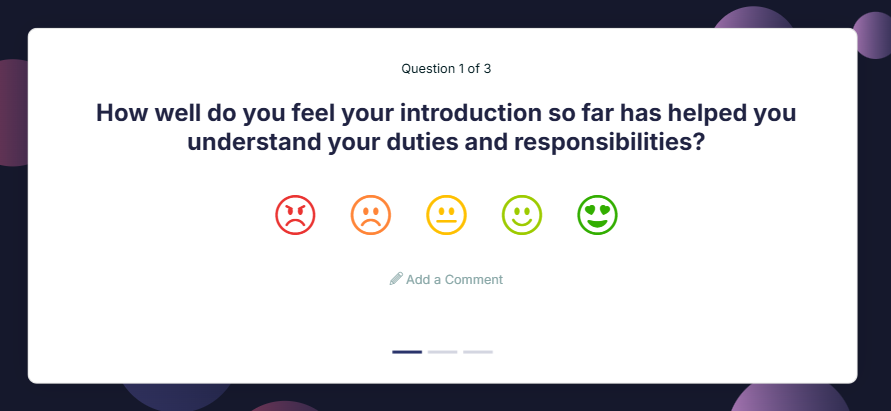
Onboarding
Gather feedback during new employees' first weeks to improve their induction and quickly integrate them into the company.
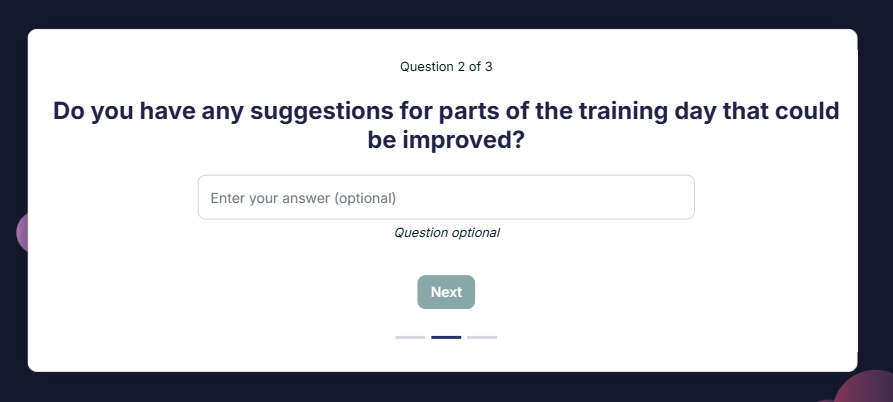
Evaluation of e.g. corporate events
Gain insights into the participants' experience of your activities, such as business events, training days or other interventions. Identify what worked well and what can be improved for the future.
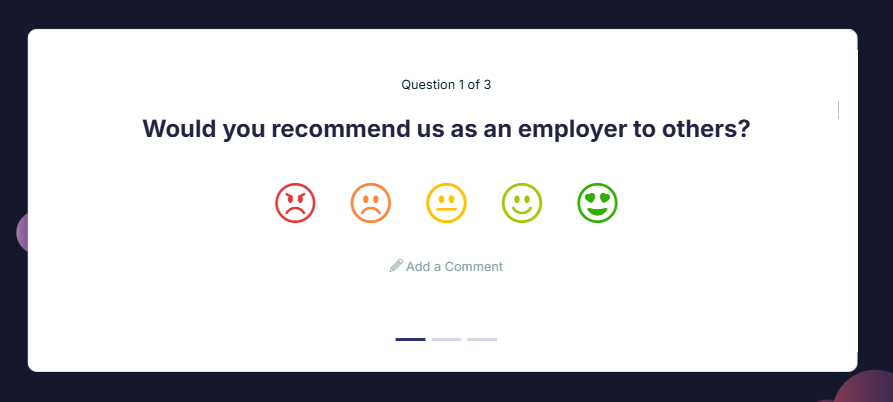
Offboarding
Find out why employees leave and gather feedback that will help you develop your organization.
Features and functions
Custom surveys
- Optional whether anonymous or not
- 3 different question types (scale, short answer, long answer)
- Start and end dates for surveys
- Flexible reminders
- Set mailing time
- Set maximum response time to survey
- Possibility to delay the survey for new employees
- Personalized language settings (Swedish and English)
- Indicate if the survey should be kept open
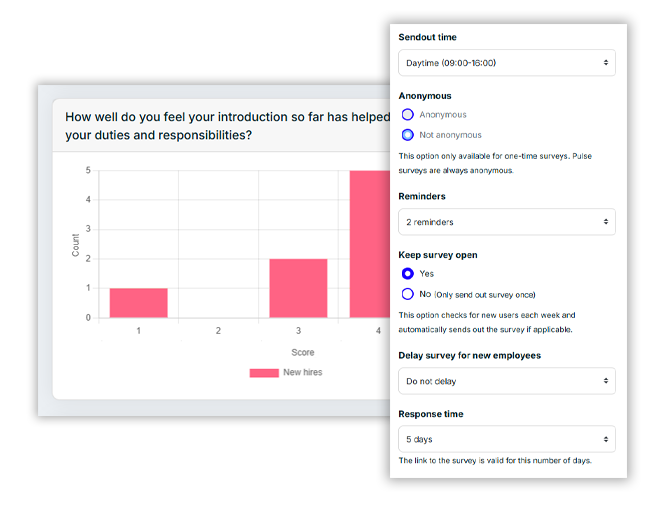
Pulse surveys and eNPS are always anonymous and responses from a certain number of unique users are required to show a result.
For custom surveys, you choose whether or not the survey should be anonymous. The respondent can see if the answers are collected anonymously or not.
All data is stored on secure servers in Sweden.
All login to SimplyPulse, both via computer or via the app, is done with two-factor authentication.
There is no requirement for employees to log in to receive the surveys. If you log in, you can choose how you want to receive the surveys, email, SMS and / or push notification, but if you choose nothing, you will receive in the way set by the administrator.
Surveys can be sent out via email, SMS and push notification. Users can choose how they want to receive the surveys. As an administrator, you decide which sending methods will be available.
If you want to receive surveys via push notification, you need to download the SimplyPulse app and log in.
We support all functions in Swedish and English.
The administrator can choose the languages to be available and the time zone to be used.
Please contact us if you wish to display questions in more languages.
Segments are the way in which results and insights can be shown for parts of the company. Examples of segments can be:
- Departments
- Localities
- New employees
- Permanent employees
- Hourly workers
- E.g.
The segments to which a user should be linked are set in the portal (by the administrator), but can also be set when importing users (by SimplyPulse).
Only administrators can edit and create surveys. Administrators can see all results from surveys both in total and broken down by segment.
Managers can see results for the segments they are assigned to manage. It is possible to have multiple managers for the same segment.
New users can be added to the portal in two different ways:
- Manually by administrator
- Via file import (e.g. excel) by SimplyPulse
Normally, all users are imported at start-up, and then changes such as terminations and new hires are handled manually by the administrator.
The import also creates all segments, which saves a lot of time compared to doing this manually.
A user needs a name, e-mail address and a unique ID (e.g. employee number) to be added to the portal. We also recommend that the start date of the company is given to be able to filter surveys in the best way.
Users can enter their mobile phone number if they wish to receive surveys via SMS.
Want to know more or get started with SimplyPulse?
Fill in your contact details and we will get back to you!
You can also reach us at info@simplypulse.io